Choosing a Dashcam in 2026: Thinkware vs BlackVue and What to Look For
Dashcams have become one of the most common requests we get at the workshop. Insurance companies increasingly ask whether you have one after an incident, and the footage can be the difference between a straightforward claim and a disputed one. But the market is crowded, and the spec sheets can be confusing.
Here's what we actually look at when recommending a camera to a customer.
Resolution: 2K vs 4K
Most decent dashcams now shoot at 2K (1440p) or 4K (2160p). For most drivers, 2K is sufficient — you'll capture number plates clearly in good light, and the file sizes are manageable. 4K becomes worthwhile if you regularly drive at higher speeds or want to capture detail at greater distances.
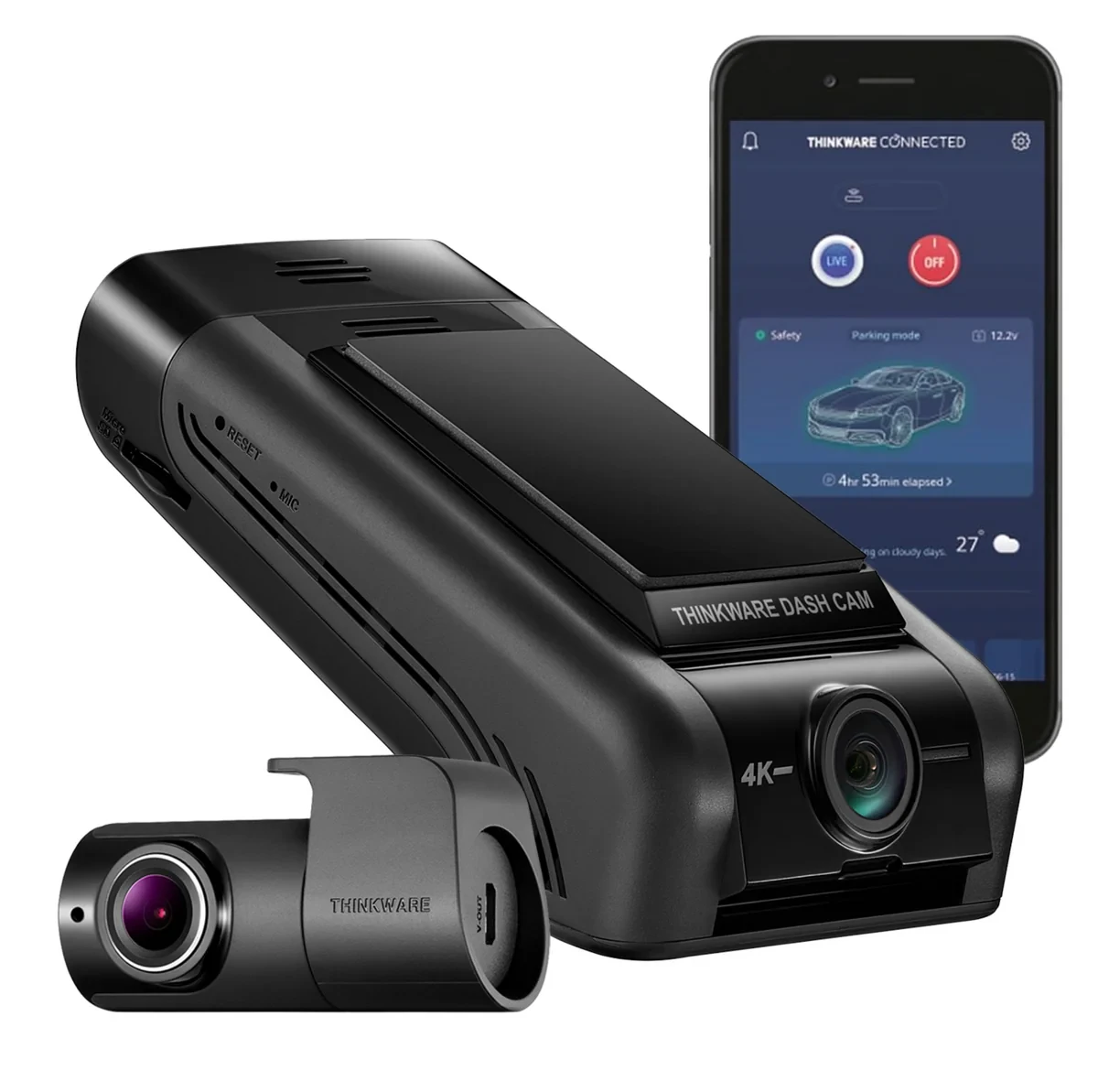
The Thinkware U1000 Pro and BlackVue DR970X both shoot 4K front with a 2K rear channel. These are the cameras we fit most often on prestige vehicles where image quality matters.
Parking Mode
This is the feature most people don't think about until they need it. Parking mode keeps the camera active when the car is parked, recording if it detects motion or an impact. It's particularly useful in car parks and on-street parking.
Proper parking mode requires a hardwire kit — a direct connection to the car's fuse box that provides a low-voltage cut-off to protect the battery. We include this as standard on all our dashcam installations. A camera running on the cigarette lighter socket will drain your battery overnight.
Thinkware vs BlackVue: The Key Differences
Both brands make excellent cameras. The differences come down to ecosystem and features rather than image quality.
Thinkware cameras use the THINKWARE CLOUD app, which gives you live GPS tracking, speed alerts, and remote viewing if the camera has a SIM card slot (the T700 model). The interface is clean and the app is well-maintained. Thinkware cameras also tend to have better built-in ADAS (Advanced Driver Assistance System) features — lane departure warnings, forward collision alerts — though most customers turn these off.
BlackVue cameras use the BlackVue Cloud platform, which is more mature and has better remote live view functionality. The DR970X and Elite 10 models support LTE connectivity for real-time streaming and remote access from anywhere. If remote monitoring is important to you — for a fleet vehicle or a car that spends time away from home — BlackVue has the edge.
What We Recommend
For most customers fitting a dashcam for insurance and evidence purposes, the Thinkware U1000 Pro or Q850 covers everything you need at a sensible price point. For customers who want cloud connectivity and remote access, the BlackVue DR970X 2CH LTE is the one we fit most often.
All our dashcam installations include a professional hardwire, cable management behind the headlining and A-pillar, and a test of parking mode before the car leaves the workshop.